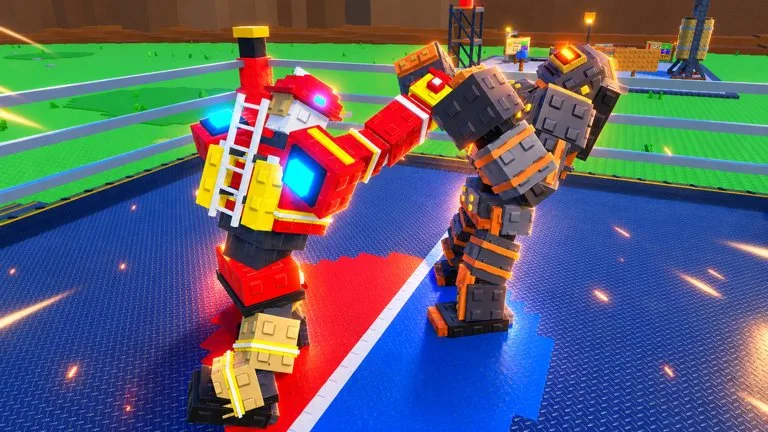
A robot that will not walk to the ring after a part swap is powered down. The official description says to wire it up and power it on. The game does not put a warning banner on screen, which is why the step gets skipped.
What you see
- The robot stays on the charging bed or stands still instead of entering the ring.
- Training does not advance.
- A tournament entry does not take that robot. In the October 22, 2026 recording, a player missed a server tournament for this reason.
The swap, in order
- The robot lies down on the charging bed.
- Remove the old head, body, or legs and attach the new part.
- Connect the cables. The recording mentions yellow and red wires.
- Press power. The robot stands up.
- Train again if the level number dropped, then fight.
Do this after a single slot change, not only after a full rebuild. If the power prompt never shows, reseat the part before you look for a bug report.
Before a tournament
- The robot is awake and off the bed.
- It is the fighter you have selected if you own more than one. Storage starts at 3 robots.
- Its level is trained for the lobby you are in. A higher level won a recorded two-player tournament in one punch.
- You are not stuck in another menu when the entry opens.
Level numbers after a swap
The same recording showed 327, then 188 after new legs, then 230 after a new head. The rule that produces those numbers is not documented. It may be per-part levels or an average. Either way, the practical step is the same: use the punching bag again before a deep round.
Old parts
The shredder can destroy parts you remove. Whether that returns cash or materials is not documented. Since October 23, 2026 its confirmed job is shredding scrap for money. Keep a part you might put back on, and keep one working robot while you experiment. The 10 Robot Slots pass, which raises storage from 3 to 10, is off sale.